



fire :: rescue :: ems :: police Saturday, May 19, 2012
 
Edit Album

Scheduling

Scheduling screen shots.

  • Scheduling
  • Scheduling
  • Scheduling
  • Scheduling


Scheduling
Visual Time Line Schedule Editor
Edit your schedule using just your mouse with a drag and drop visual editor.
Spreadsheet Schedule Editor
Make bulk changes to your schedule quickly with a spreadsheet editor.
Calendar Schedule Editor
Make updates to your schedule using a familiar calendar editor.
Employee Templates (Weekly/Rotating/Kelly/ etc)
Employee's shifts that reoccurring can be made into a template which makes schedule creation simple.
Staffing Requirements
Specify your minimum staffing coverage for an insight into overages and open shifts.
Open Shifts
Open shifts are automatically calculated constantly and a list is available for employees to place fill requests.
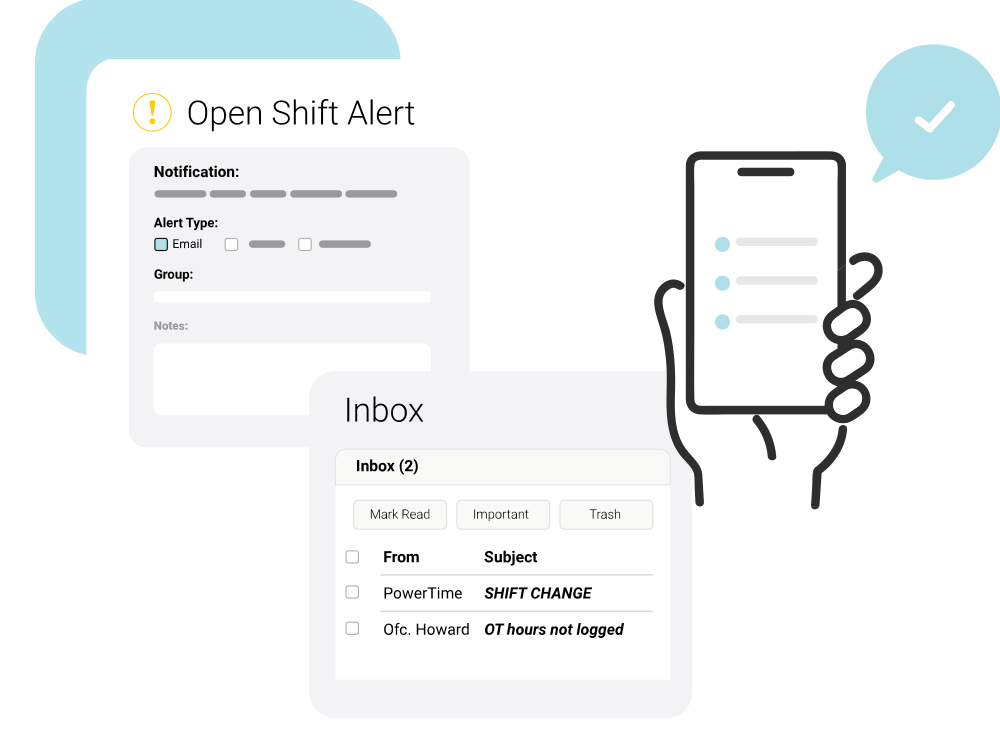
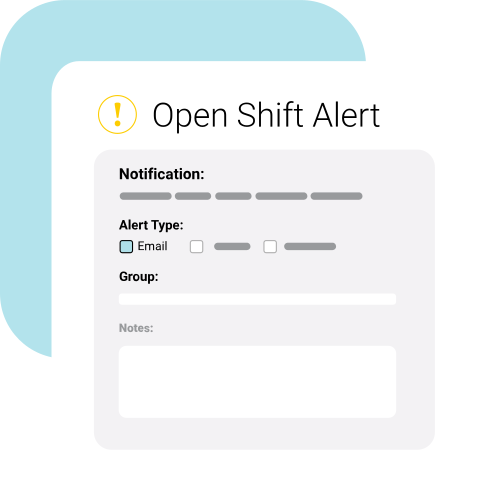
Open Shift Command Center
Alert employees by email and text of unfilled upcoming shifts to increase coverage fulfillment.
Employee Availability
Employees maintain their availability while you have access to everyone's availability while scheduling with several availability related tools.
Scheduling Issue Warning System
Catch possible scheduling mistakes immediately with a configurable warning system.
Volunteer Incentive Point System
If you use a volunteer incentive program, you may award points for each shift worked to simplify management.
Customizable Units/Departments
Unlimited customizable units/departments for your organization.
Customizable Job Types
Unlimited customizable employee job types for your organization.
Customizable Cost Centers / Labor Departments
Assign custom labor departments to shifts, units, jobs, and employees to perform cost centering.
Shift Trading
Employees may propose shift trades among each other and your only interaction is approving completed trades.
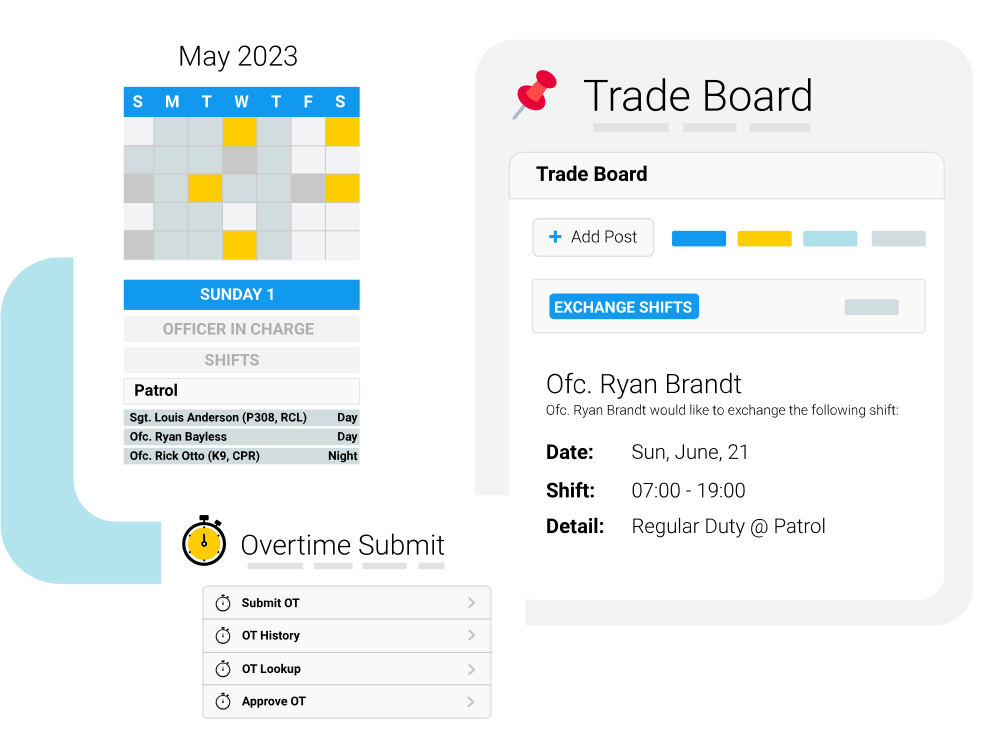
Shift Trade Board
Employees may post offers to pick up, trade, or give away shifts for their co-workers to read and respond.
Court Appearances
Schedule, track, log, and update the court appearances your employees are required to attend.
Email Schedule Blast to Employees
Email a copy of the schedule directly to employees to ensure everyone is aware of any changes.
Call-Off Management
Track the call-off, charge time off, alert supervisors, and even let employees know of the open shift with the click of a mouse.
Calendar Exporting
Employees have access to a read only view of their schedule in the popular iCal format used by Microsoft Outlook, Google Calendar and most smart phones.
Edit Album

Time Off (Paid / Unpaid)

Time Off (Paid / Unpaid) screen shots.

  • Time Off (Paid / Unpaid)
  • Time Off (Paid / Unpaid)
  • Time Off (Paid / Unpaid)
  • Time Off (Paid / Unpaid)

Time Off (Paid / Unpaid)
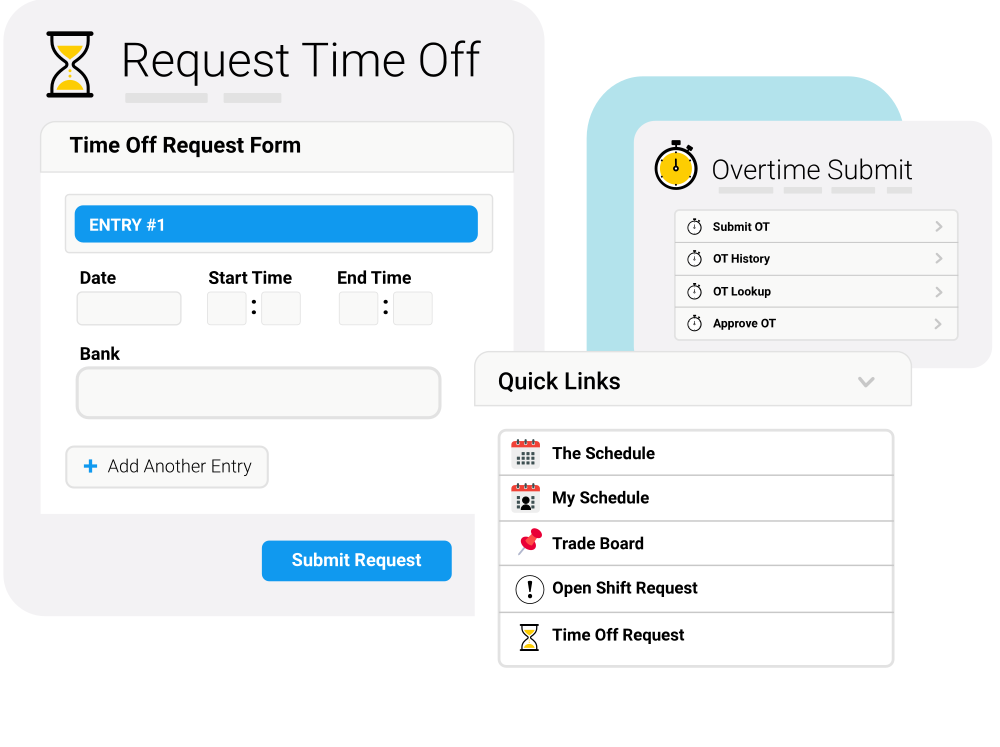
Employee Requests
Employees submit their own time off requests which are then sent for your approval.
Approvals
If approved the employee is notified, the schedule modified, and time off hours accounting updated.
Banks / Buckets
Unlimited customizable time off banks/buckets to meet your organization's needs.
Hour Accounting History
An accounting view of all time off hours accumulated and used by employee for each bank/bucket.
Peer Approvals
An optional feature to send time off requests to employee vote for organizations with seniority priority.
Blackout Dates
Prevent time off requests from even being created for certain days by no longer accepting requests for that date.
Management Tools
Several tools are provided to reduce your workload in managing time off.
Edit Album

Notifications / Communication

Notifications / Communication screen shots.

  • Notifications / Communication
  • Notifications / Communication
  • Notifications / Communication
  • Notifications / Communication

Notifications / Communication
Announcements
Each employee upon logging on will be displayed with a list of your organization's announcements.
Email/Text Blast
Send a message immediately to all employees or just a group of employees to their email and cell phones.
Employee Address Book
Access to an internal address book with privacy controls that all employees may use to contact their coworkers.
Internal Messaging w/Read Receipt
Employees have access to an internal messaging system similar to email, but with the added benefit of knowing when their message was read.
Email Alerts
Dozens of events in the system can trigger an optional email alert to the appropriate employees.
SMS Text Alerts
Numerous events in the system can trigger an optional urgent text message alert to appropriate employees.
Company Document Storage
Store up to 10 gigabytes of documents, pictures, forms, and more on a file server with permission controls.
Employee / Company Message Walls
Employees can communicate on a simple message board system.
Certification Command Center w/Alerts
Alert employees by email or text of missing and expired certifications.
Certification Expiration Alerts
Nightly email updates of expiring and missing certifications for each employee delivered to your inbox each morning.
Edit Album

Payroll Export / Time Clock

Payroll Export / Time Clock screen shots.

  • Payroll Export / Time Clock
  • Payroll Export / Time Clock
  • Payroll Export / Time Clock
  • Payroll Export / Time Clock

Payroll Export / Time Clock
Intelligent Time Clocks
Our internal and biometric time clocks are schedule-aware and can prompt employees to explain unexpected deviations from their schedule immediately.
Integrated Time Clock
Turn any computer into a time clock but you'll have full control over which computers are allowed to record punches.
Biometric Time Clock
Eliminate "buddy punching" while speeding up the punch in/out process with a simple finger press.
Salaried Time Recording
Allow salaried employees to enter their time in any of our time clocks, instead of punching in and out these employees can record their start and end times.
Punch Adjustments
Employees must submit punch adjustments for punches that do not meet the schedule immediately eliminating confusion days later.
Configurable Settings
The time clocks have an array of settings you may change at any time to fine-tune how your employees interact with the time clocks.
Time Export Tool For Payroll
Export hours from the time clock punches, hours on the schedule, or both to a variety of output formats for your payroll processing.
Time Sheets
When the pay period has ended, publish your employee's time sheets so they may view the hours that were submitted to payroll.
Edit Album

Do More Than Just Schedule!

Do More Than Just Schedule screen shots.

  • Do More Than Just Schedule!
  • Do More Than Just Schedule!
  • Do More Than Just Schedule!
  • Do More Than Just Schedule!

Do More Than Just Schedule!
Reporting
Over 100 exportable reports are available in PDF file format that is viewable on all computers. Most reports include configurable options.
Officer In Charge
Maintain a list of the current supervisor on duty which each employee sees immediately every time they log on.
Certifications Management
Manage employee certifications with several tracking, reporting, and alerting tools.
Medical Management
Manage required employee physicals, immunizations, etc.
Emergency Contacts
Require employees to update their emergency contracts at a configurable amount of time.
Platoon Management
Unlimited and customizable platoons are heavily integrated throughout PlanIt.
Call-Off History
Historical call-off tracking at your fingertips.
Tardy History
Customizable tardy settings enabling you to track and record employee tardiness.
Vehicle Checklists
Create your organizations custom vehicle checklists for employees to submit.
Custom System and Report Branding
Your organization's name and logo is prominently placed in all employee area's and on each report.
Upload Employee / Station / Unit / Job / Platoon Pictures
Upload pictures of your employees, stations, units, jobs, and platoons to display instead of just their names.
Employee Groups
Create an unlimited number of customizable employee groups to quickly perform actions for multiple employees.
Support / Training / Configuration
Email Support
We're always available to respond to our client's email support questions.
Phone Support
We're available 9AM-5PM EST Monday through Friday to answer your calls.
Initial Webinar Training Session
We are there from day one with each new customer to explore how PlanIt can best work for your unique organization.
Online Training Video
Watch a video of your personal training session at any time.
Initial Setup
We'll input your organization's information for you before your training session so you can focus on scheduling immediately.